.png)
Walmart Integration
In this tutorial, you will learn how to start selling your Magento Products on Walmart via M2E Pro. You will go through the preliminary set-up reactions and configuration of Walmart integration.
<aside> ℹ️ The preliminary instructions below are relevant for US Walmart Marketplace.
</aside>
To authorize M2E Pro on US Walmart Marketplace, you need to get the API credentials and set the appropriate permissions:
Log in to the Walmart Developer Portal with your Walmart Seller credentials.
Click Add New Key For A Solution Provider in the API Keys section.
Select M2E ****in the dropdown and click Next.
Specify the permissions you want to grant M2E Pro access to and click Submit.
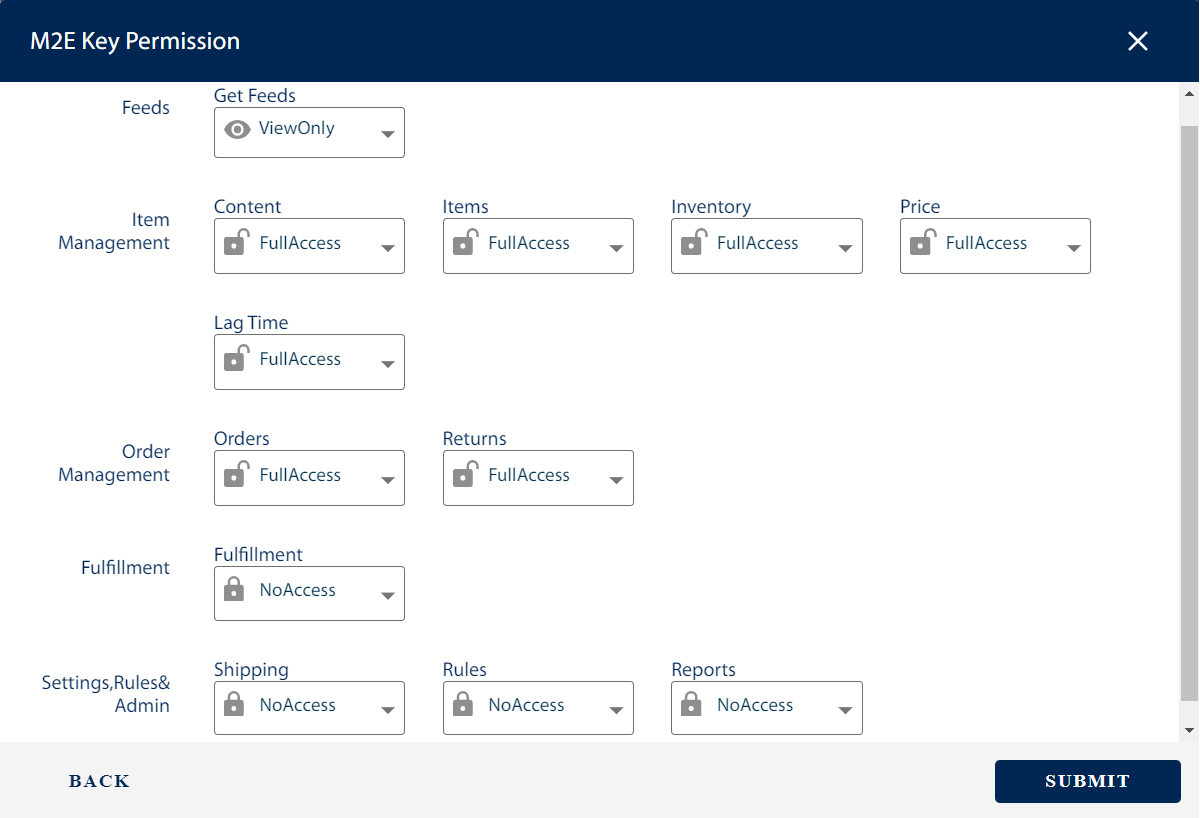
<aside> ✅ For efficient work, M2E Pro should be granted Full Access permissions where possible.
</aside>
<aside> ⚠️ If some required permissions are missing, you’ll see the following error: “Access to some M2E Key Permissions is limited or restricted.”
</aside>
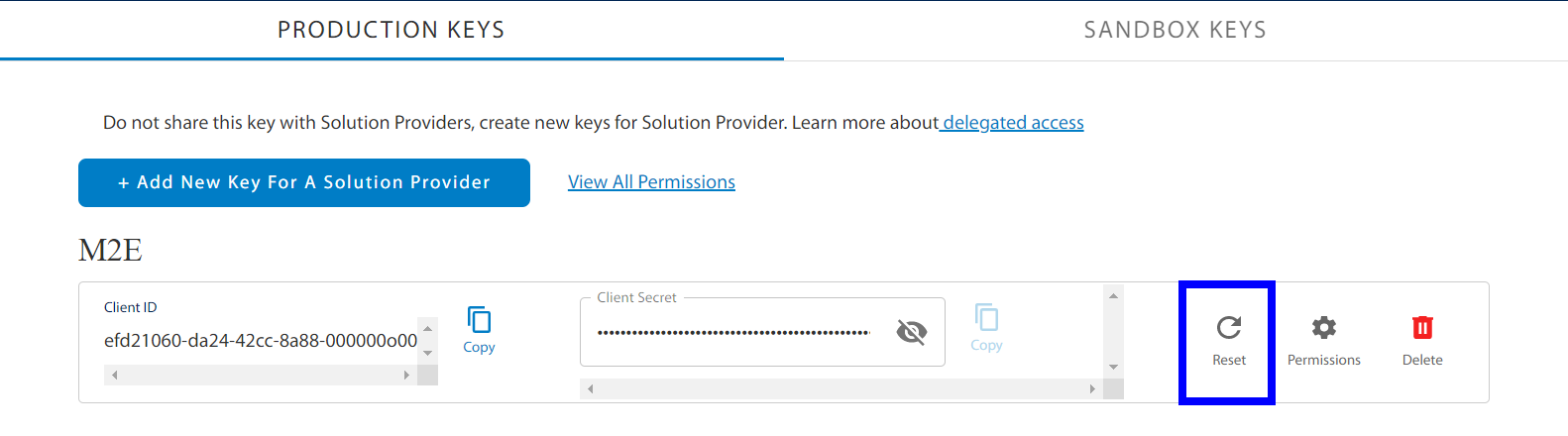
Once done, you'll need to copy and paste the generated Client ID and Client Secret on Step 2 of the M2E Pro wizard. This way the extension will be granted access to specified Walmart account data.
<aside> ✅ To re-authorize the extension, you can Reset your API Keys **in the Developer Portal.
</aside>
That's it, now you may start configuring Walmart integration.
Provide your contact details. These details will be associated with your M2E Pro License Key. Once you complete the step, please click Continue.